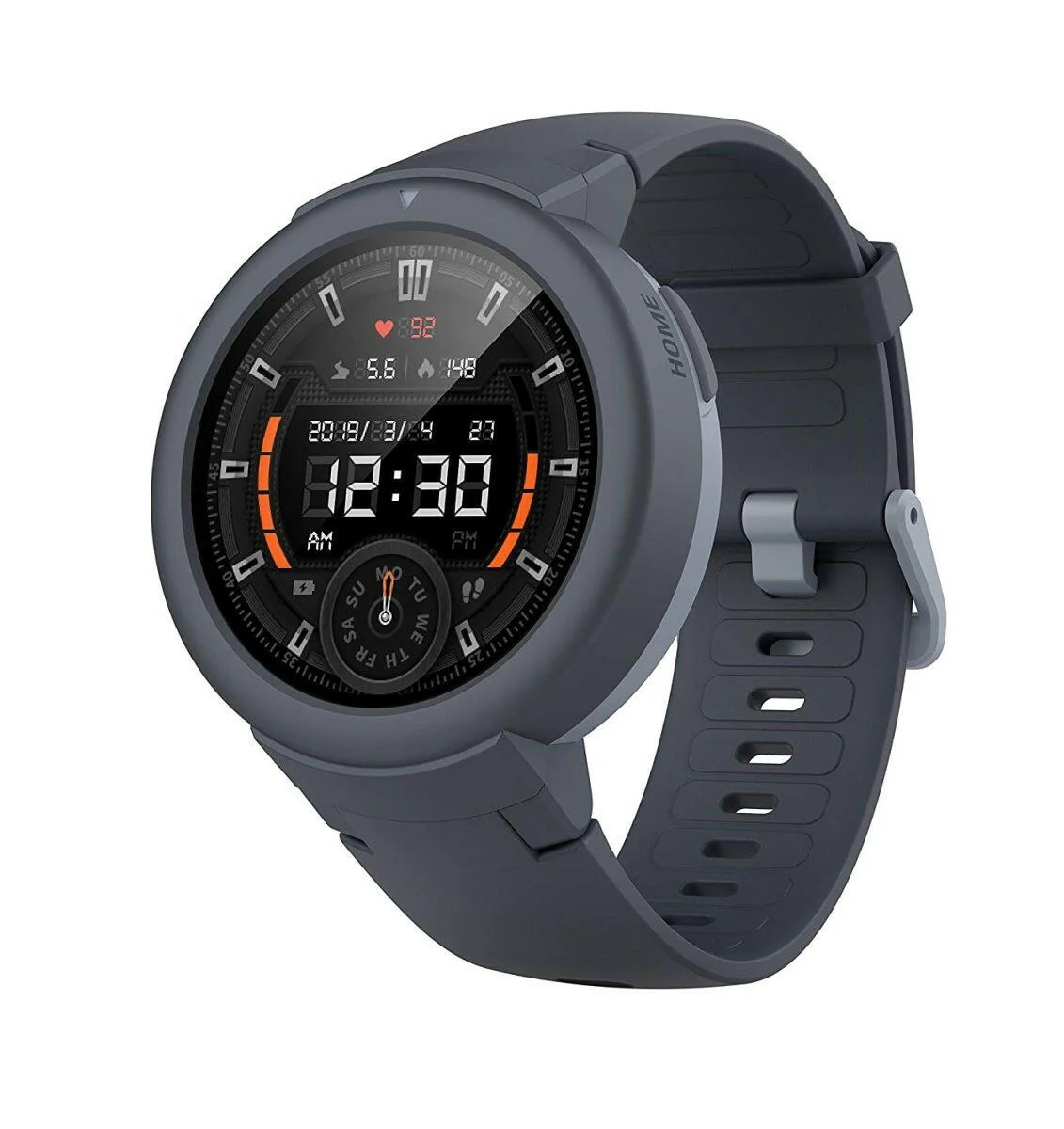
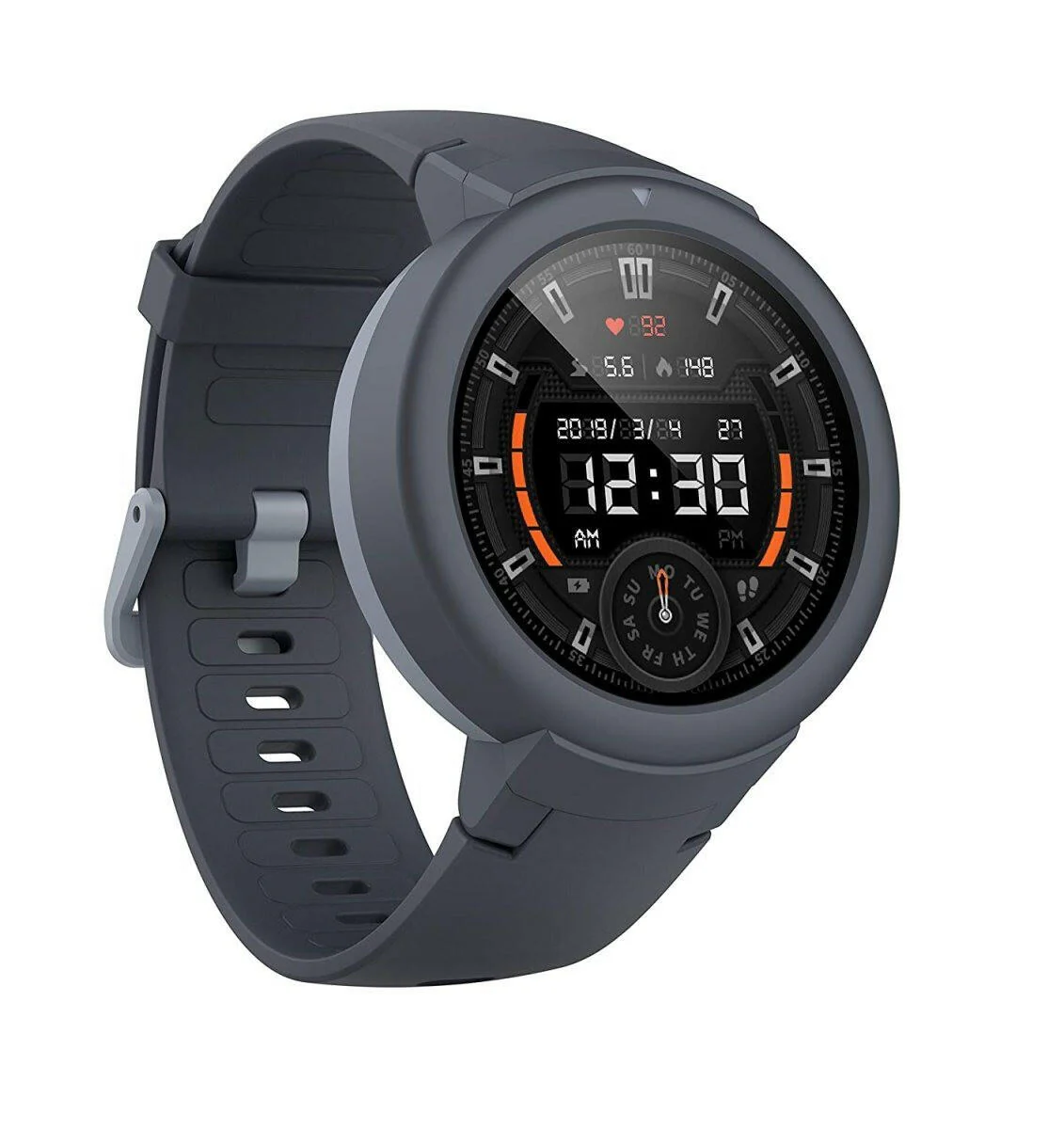
Amazfit Pace (Refurbished)
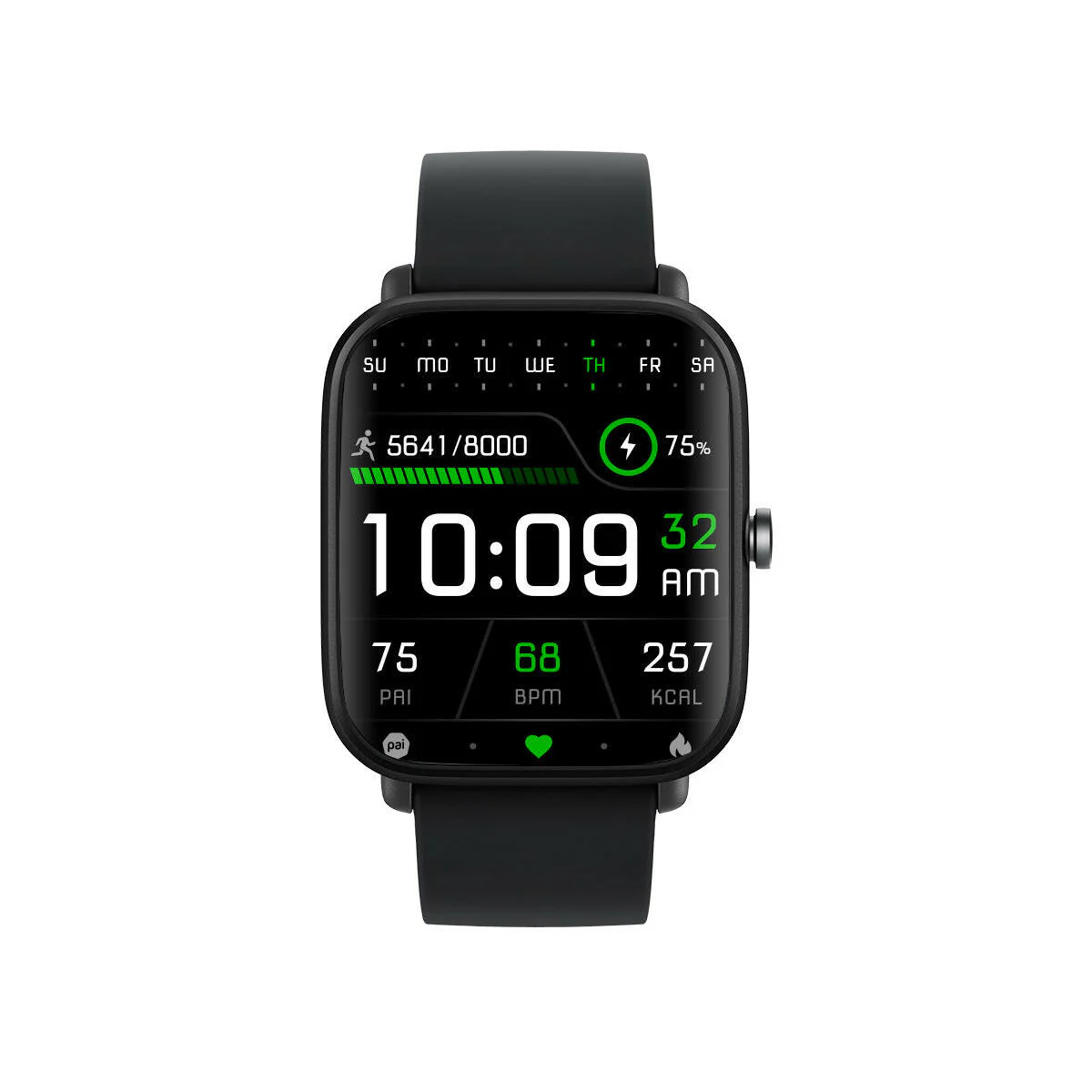
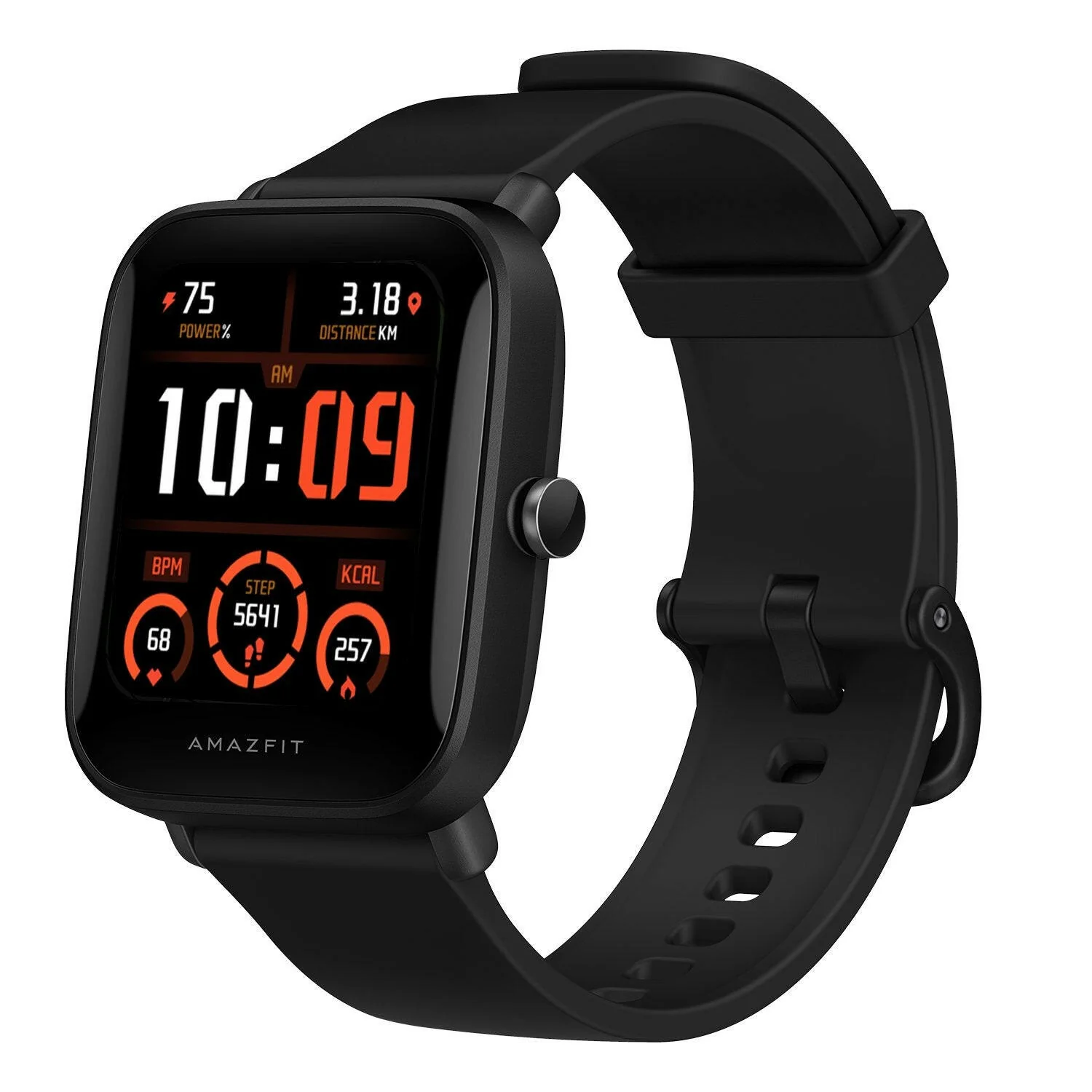
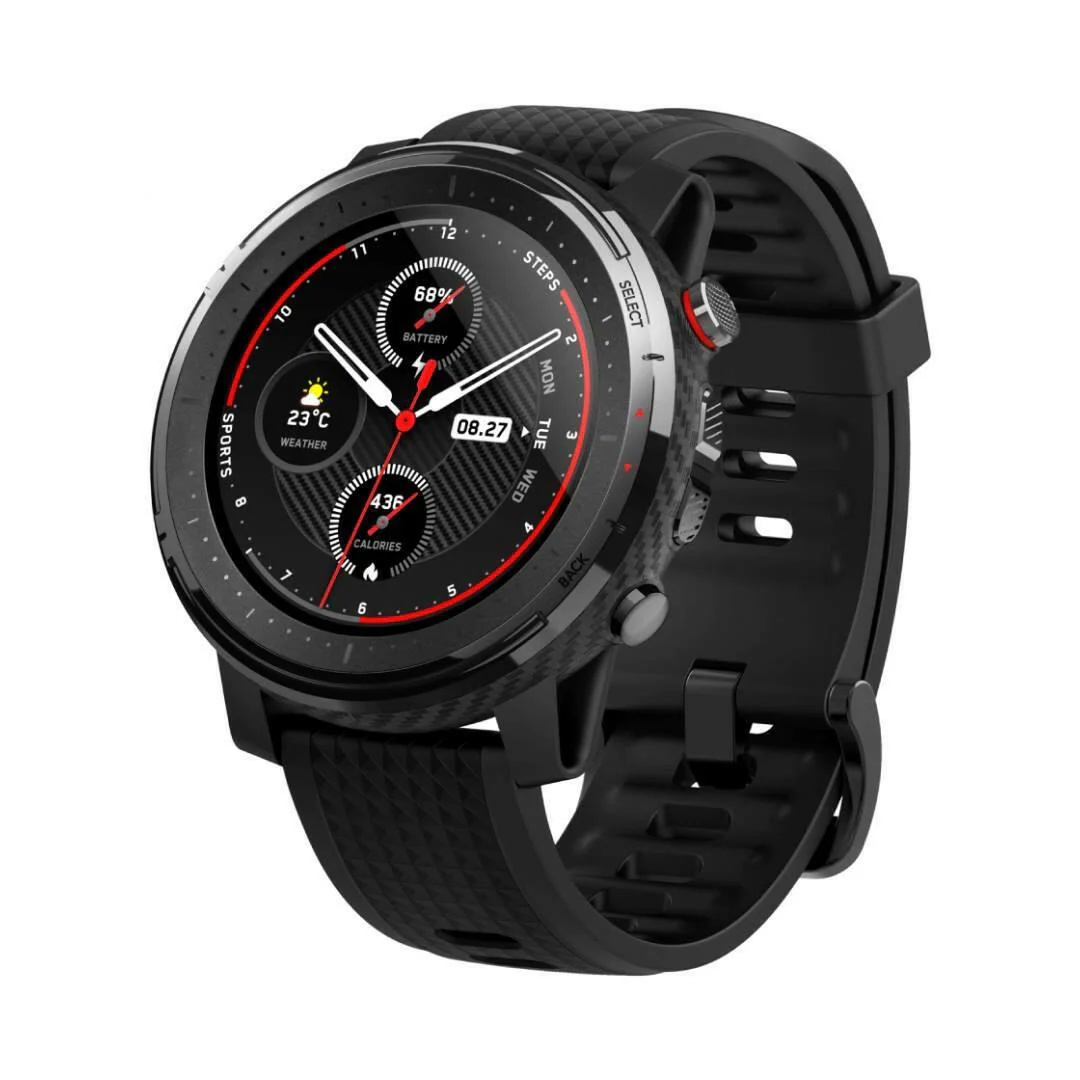
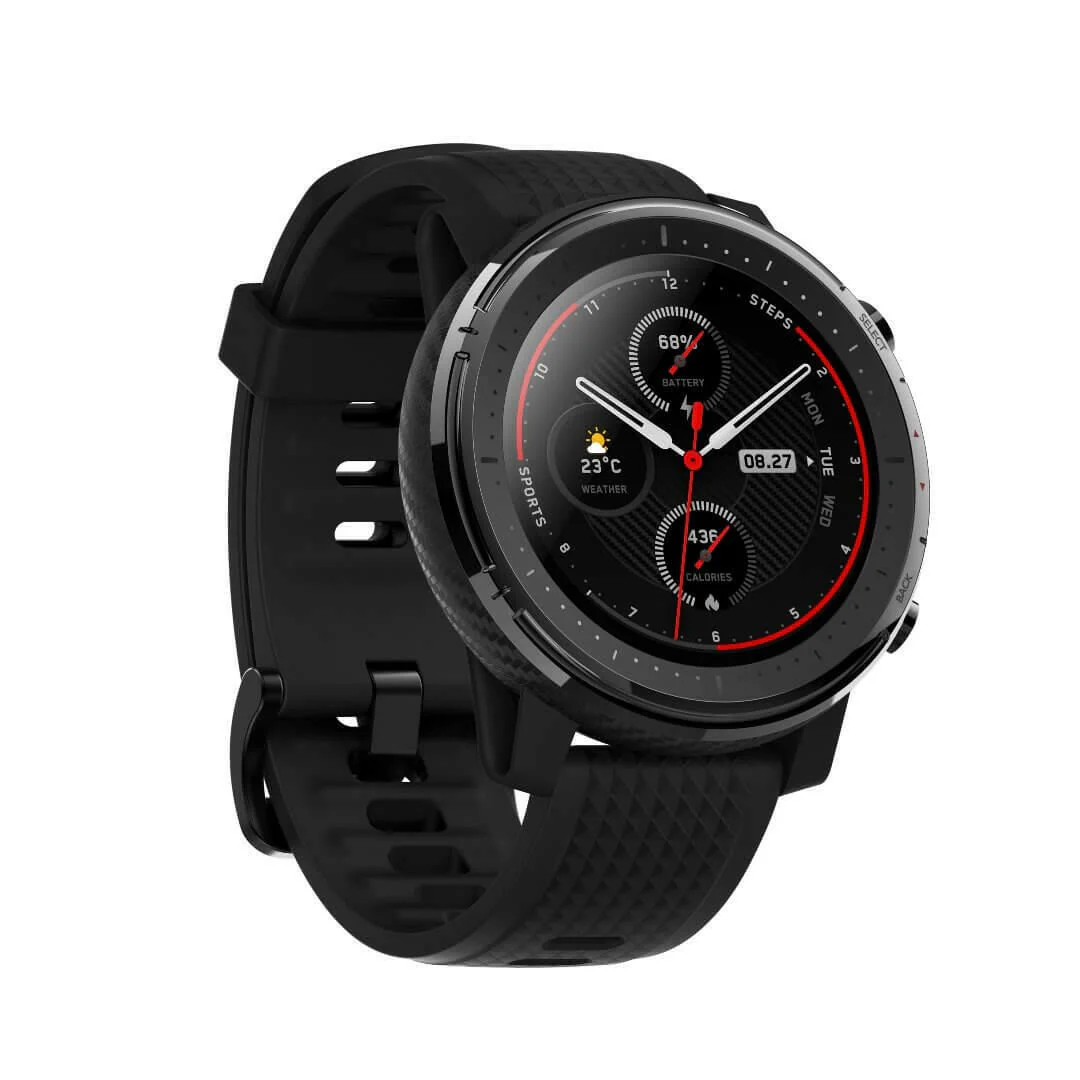
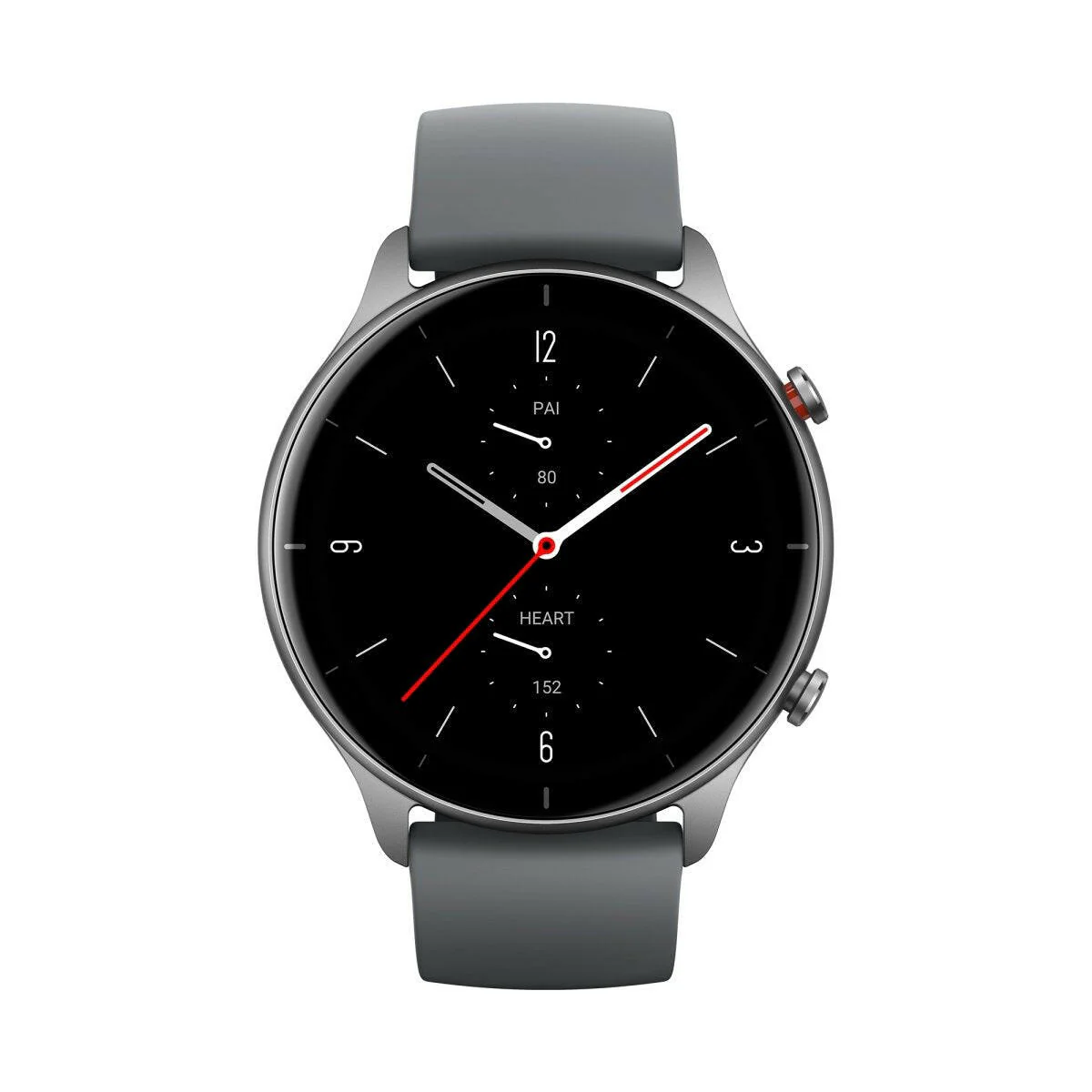
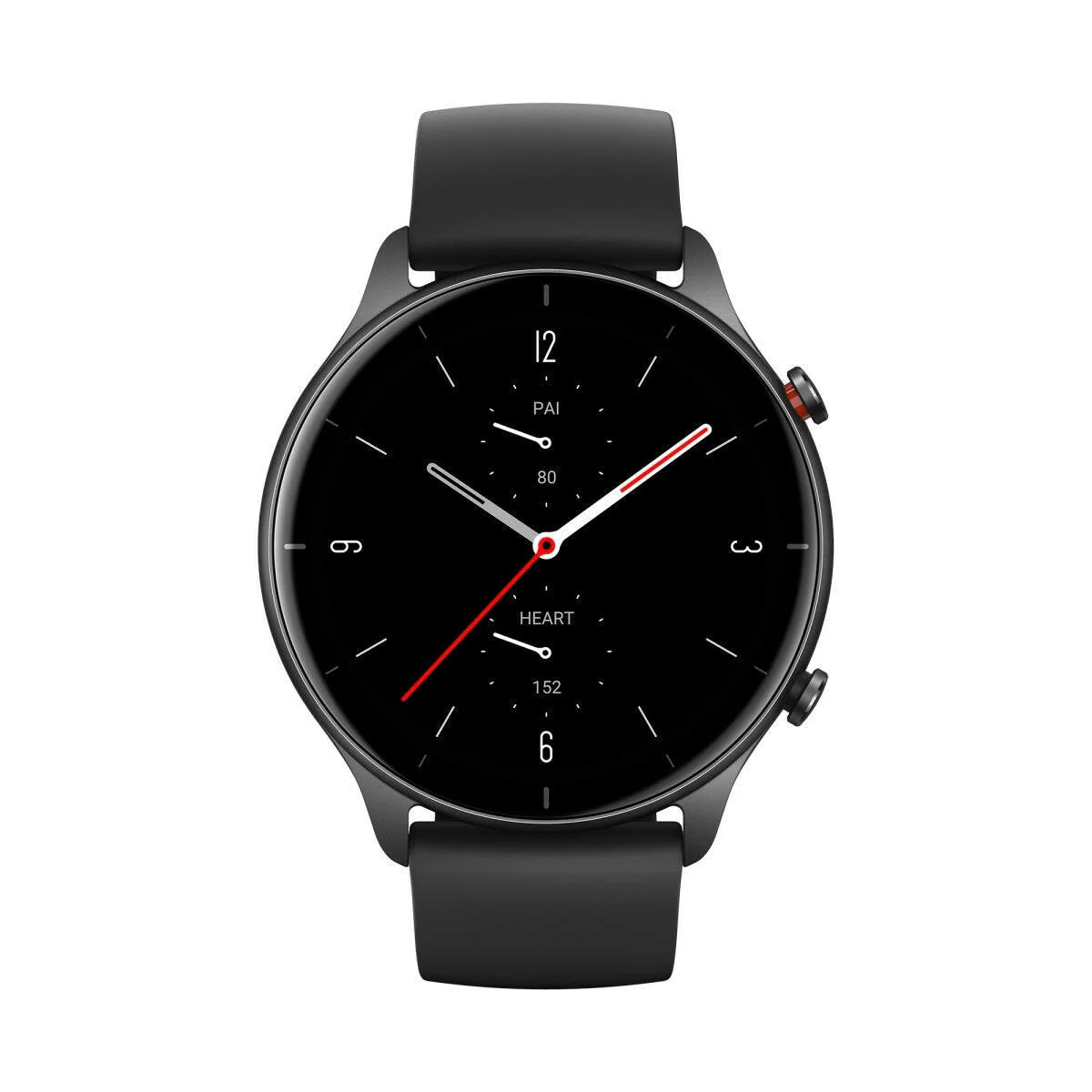
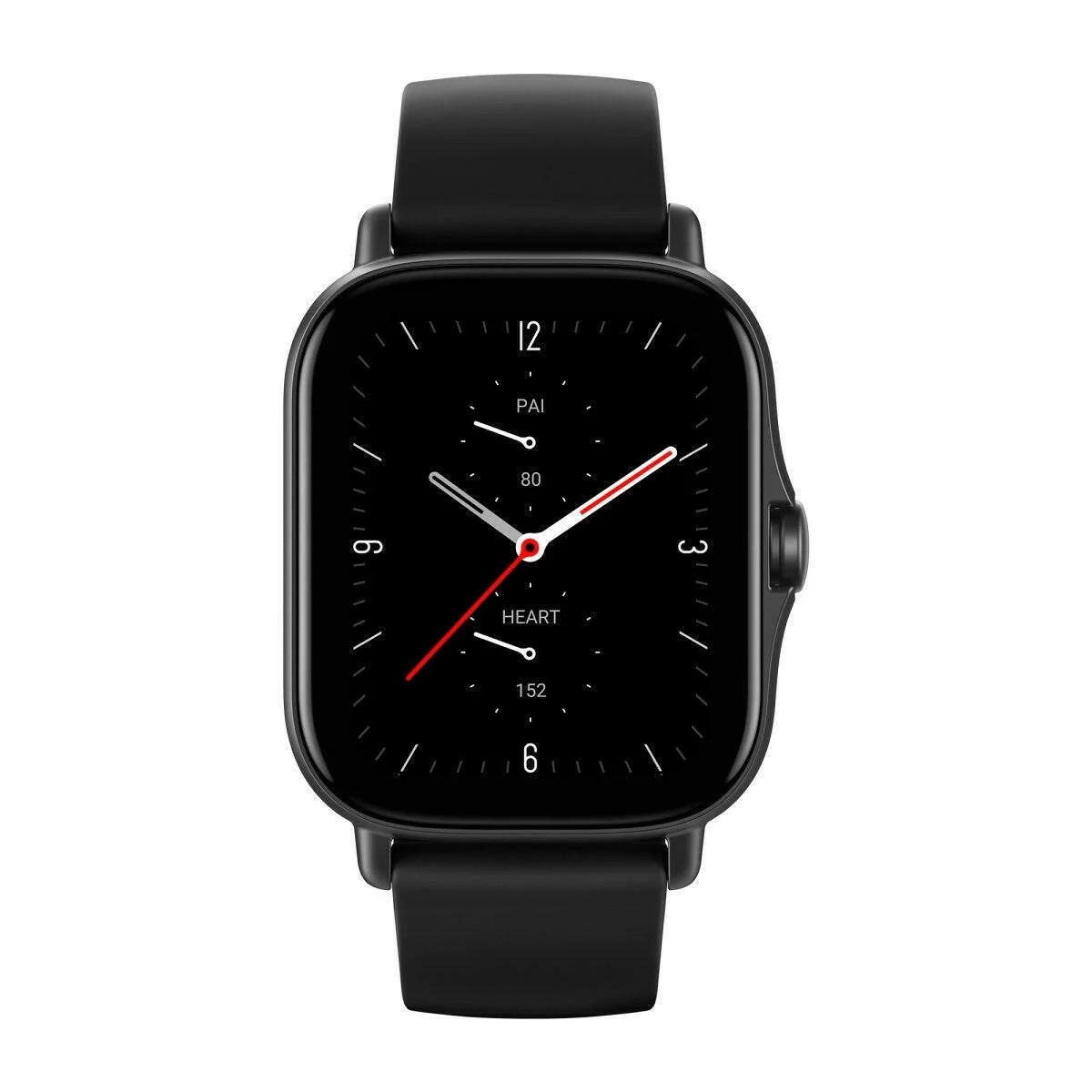
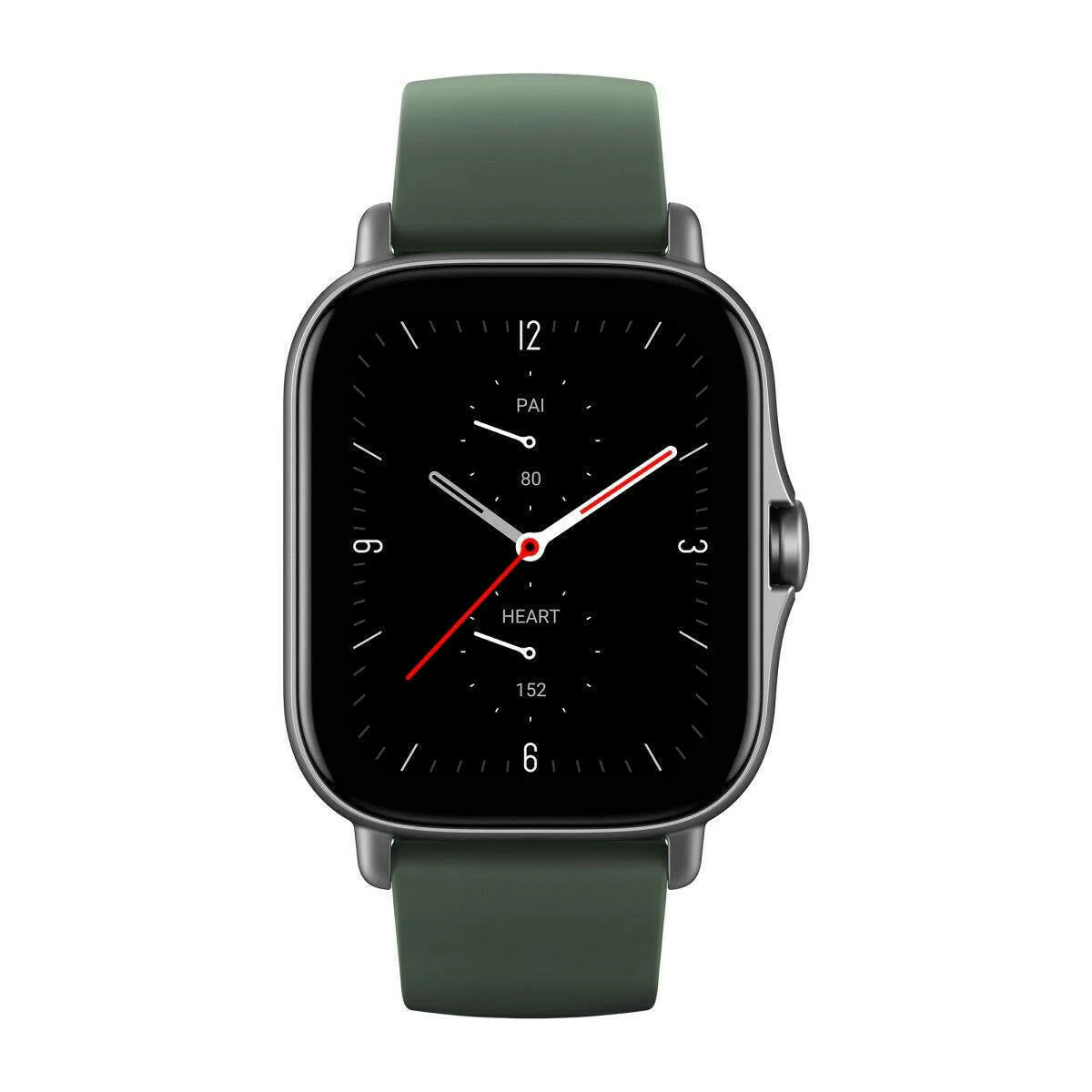
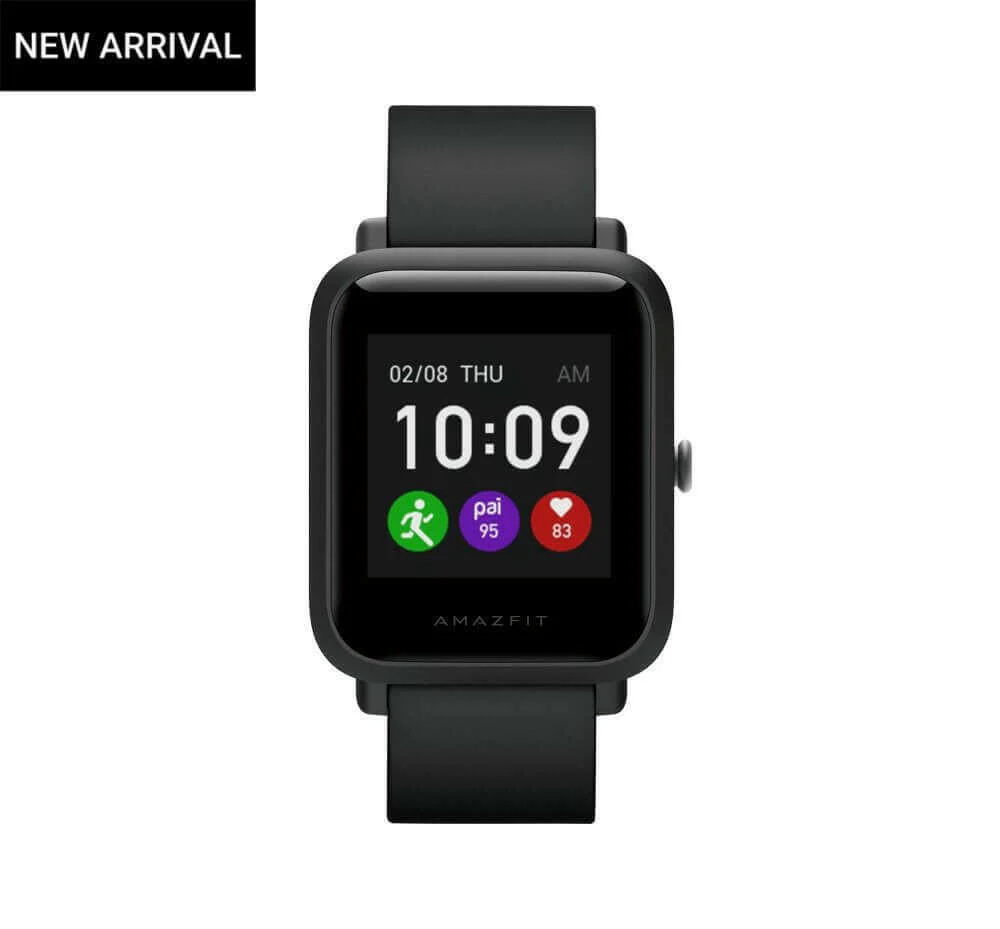
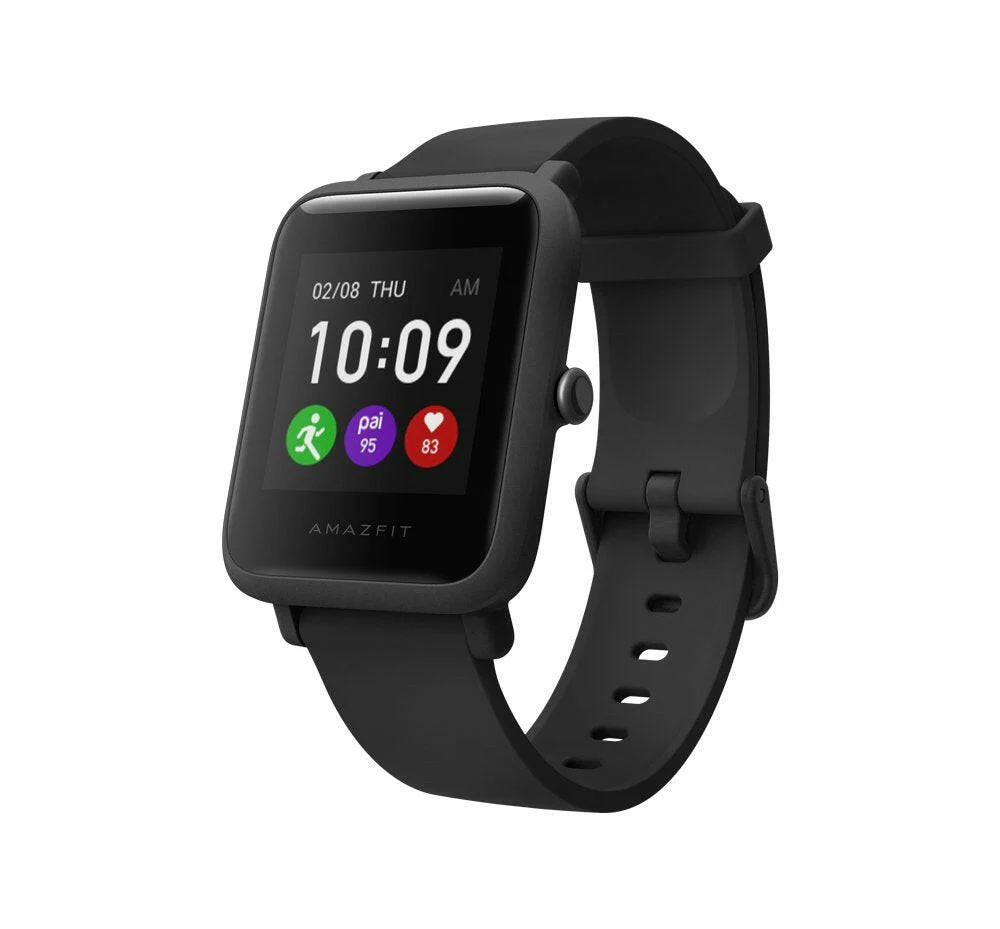
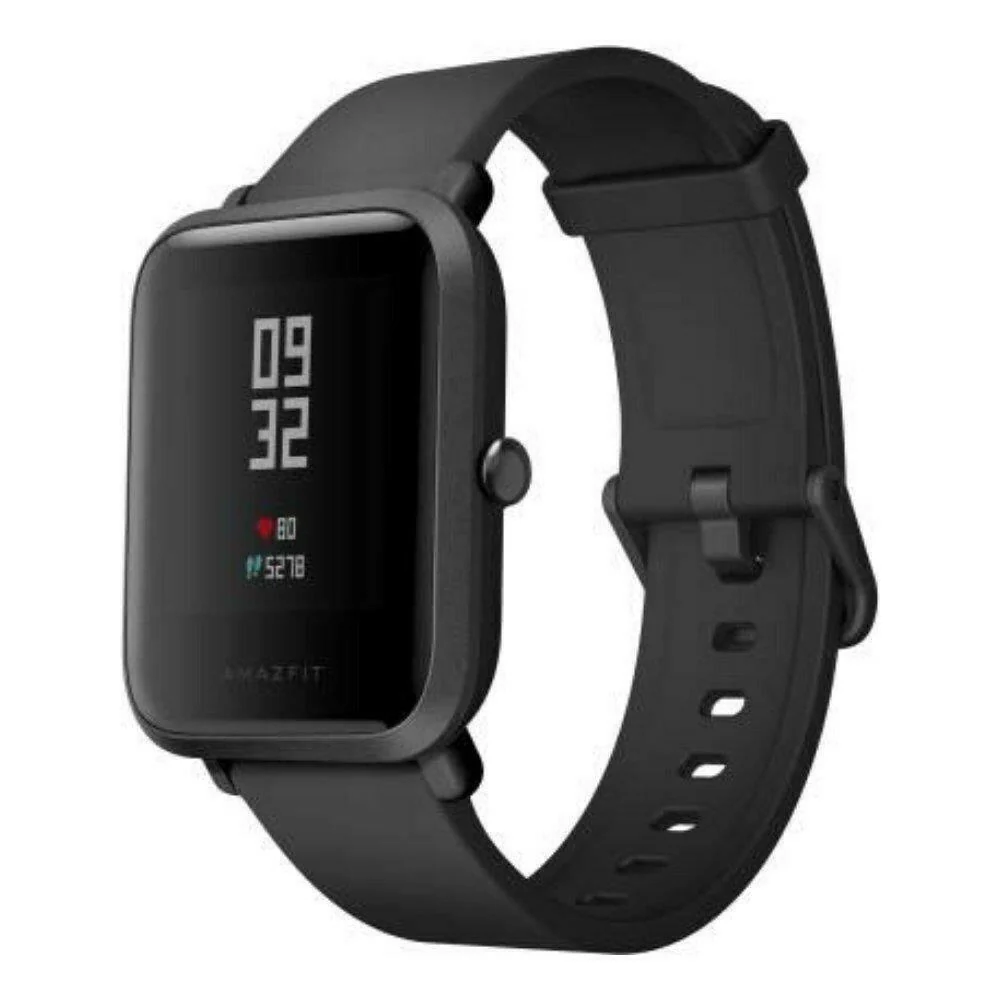
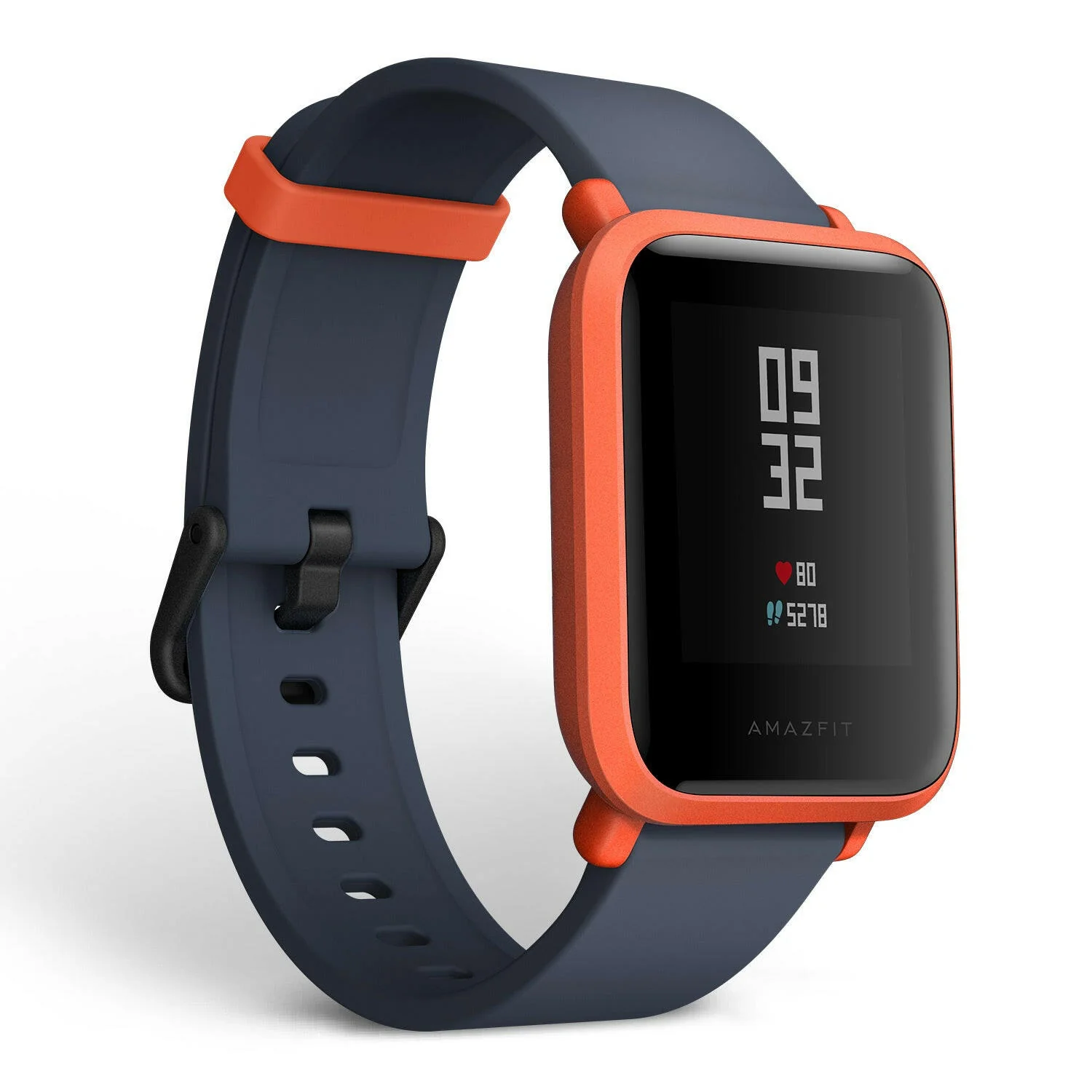
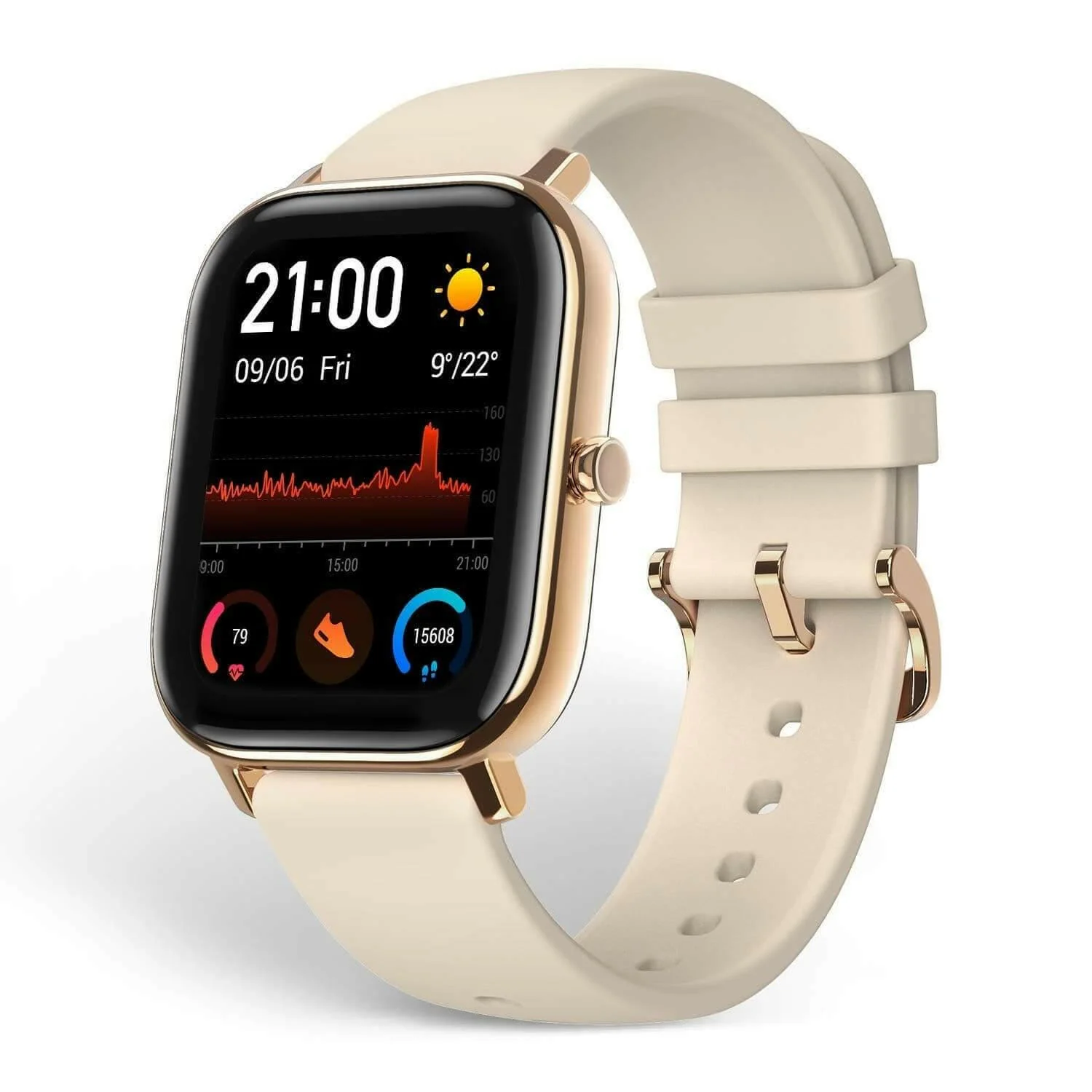
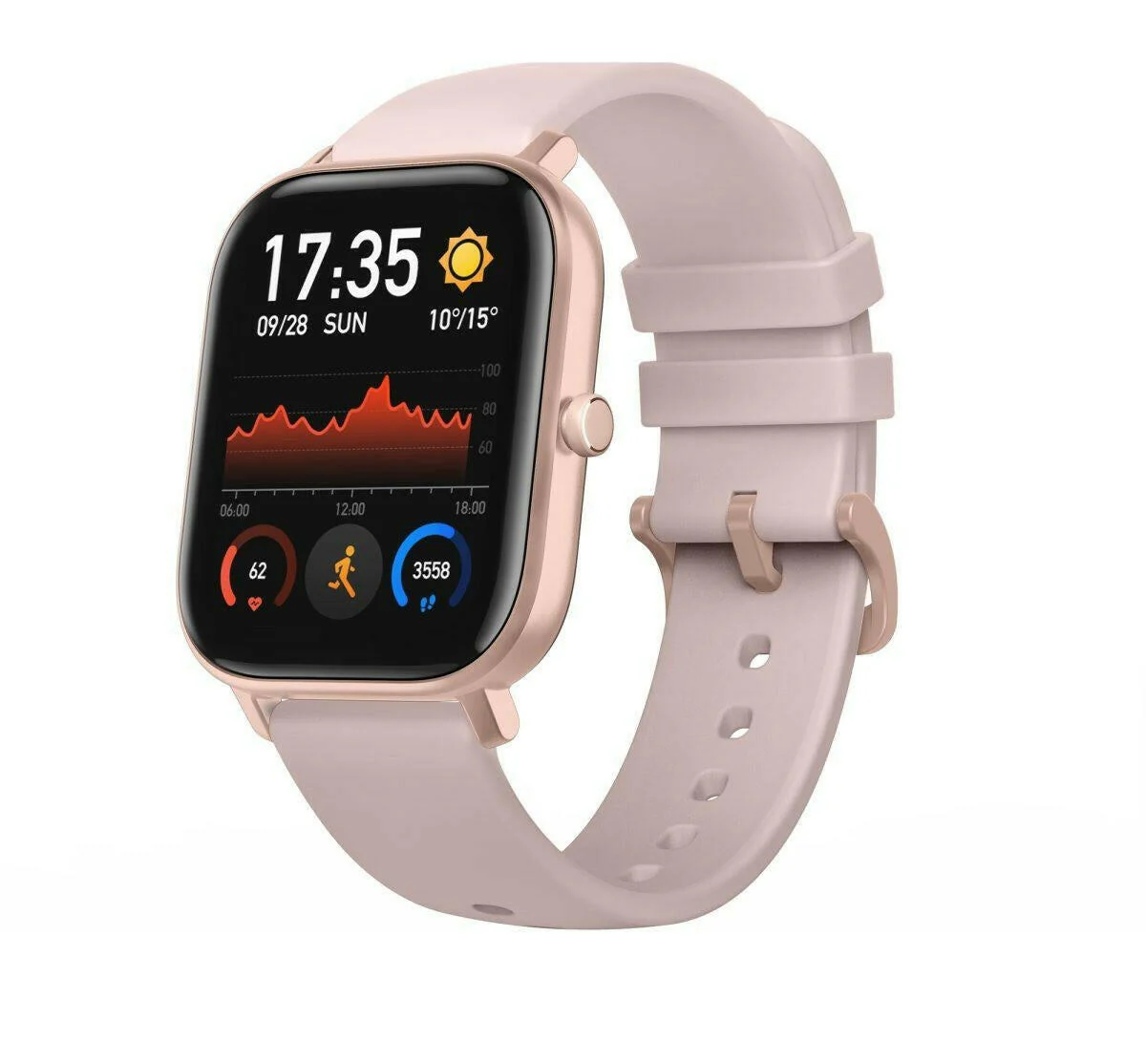
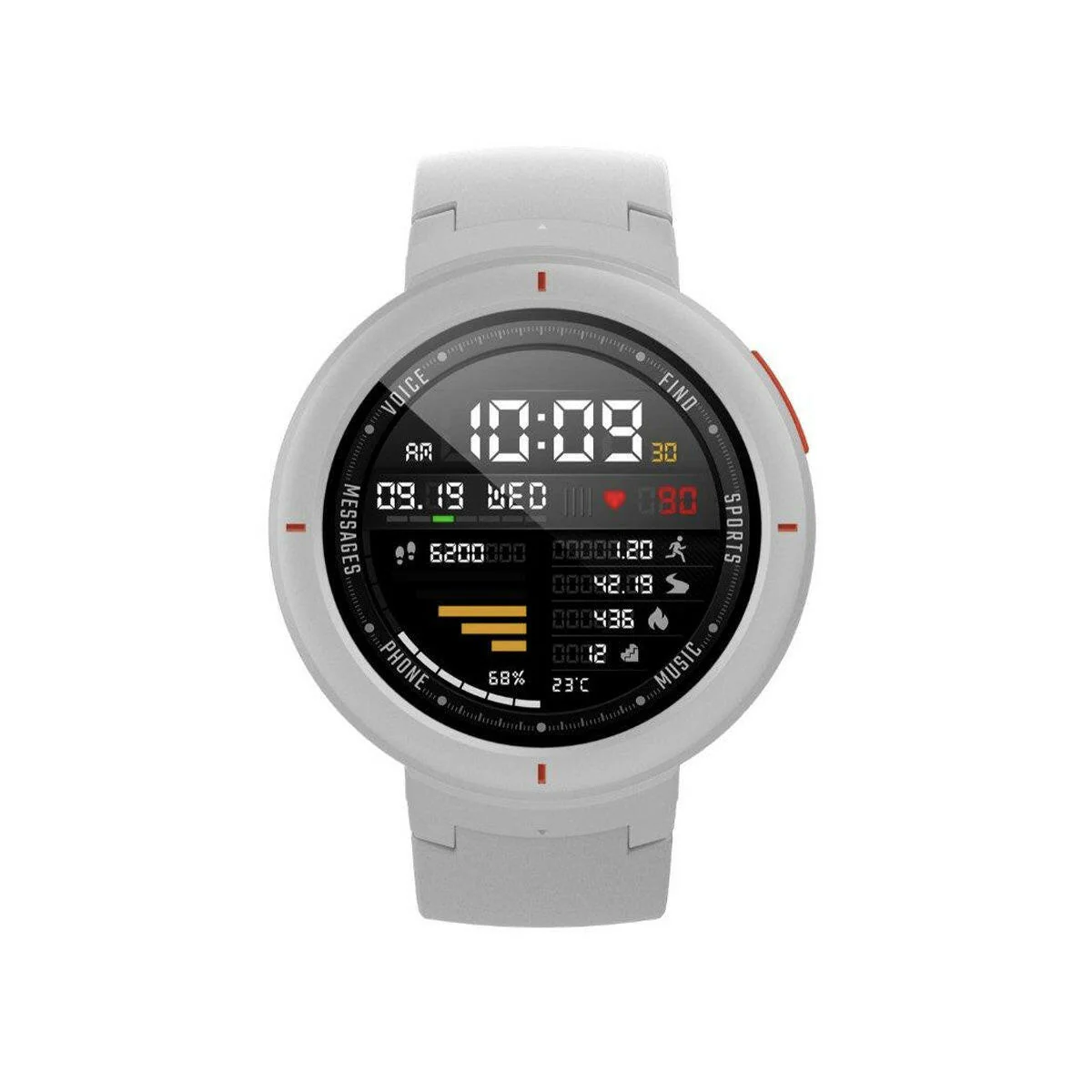
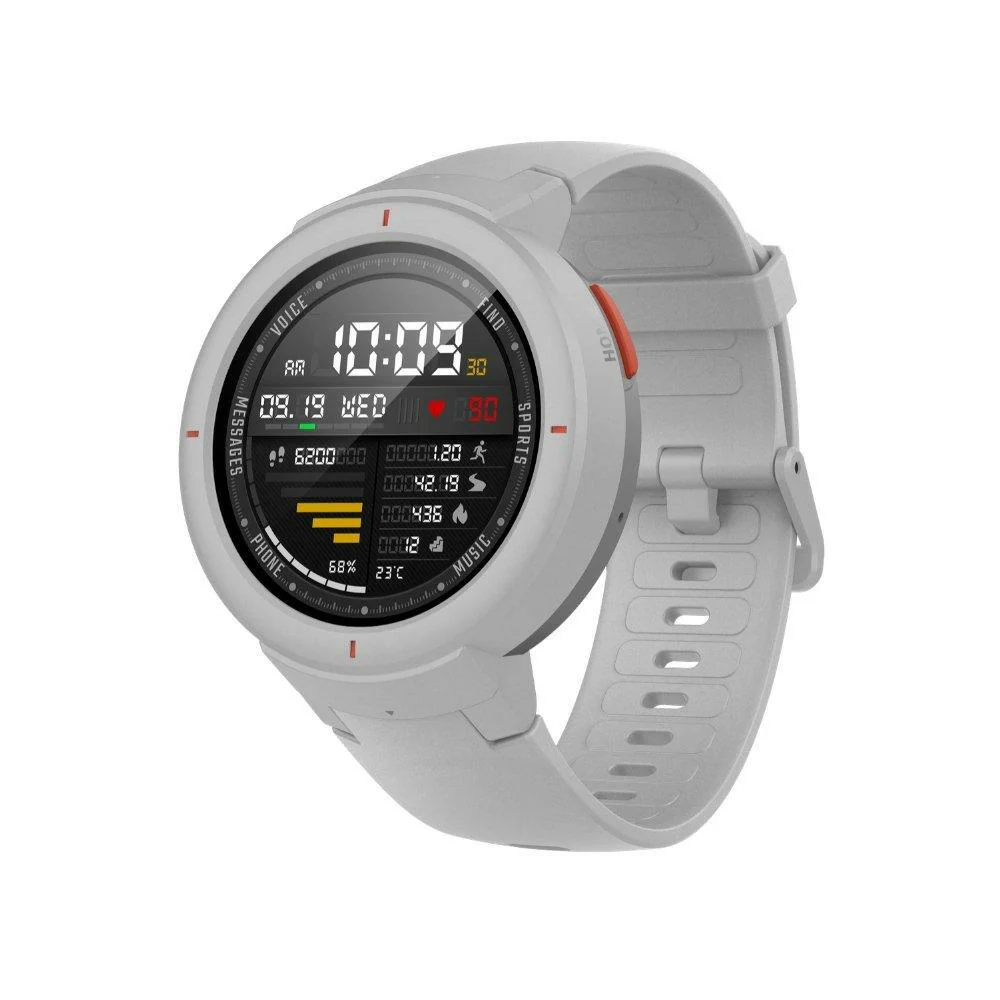
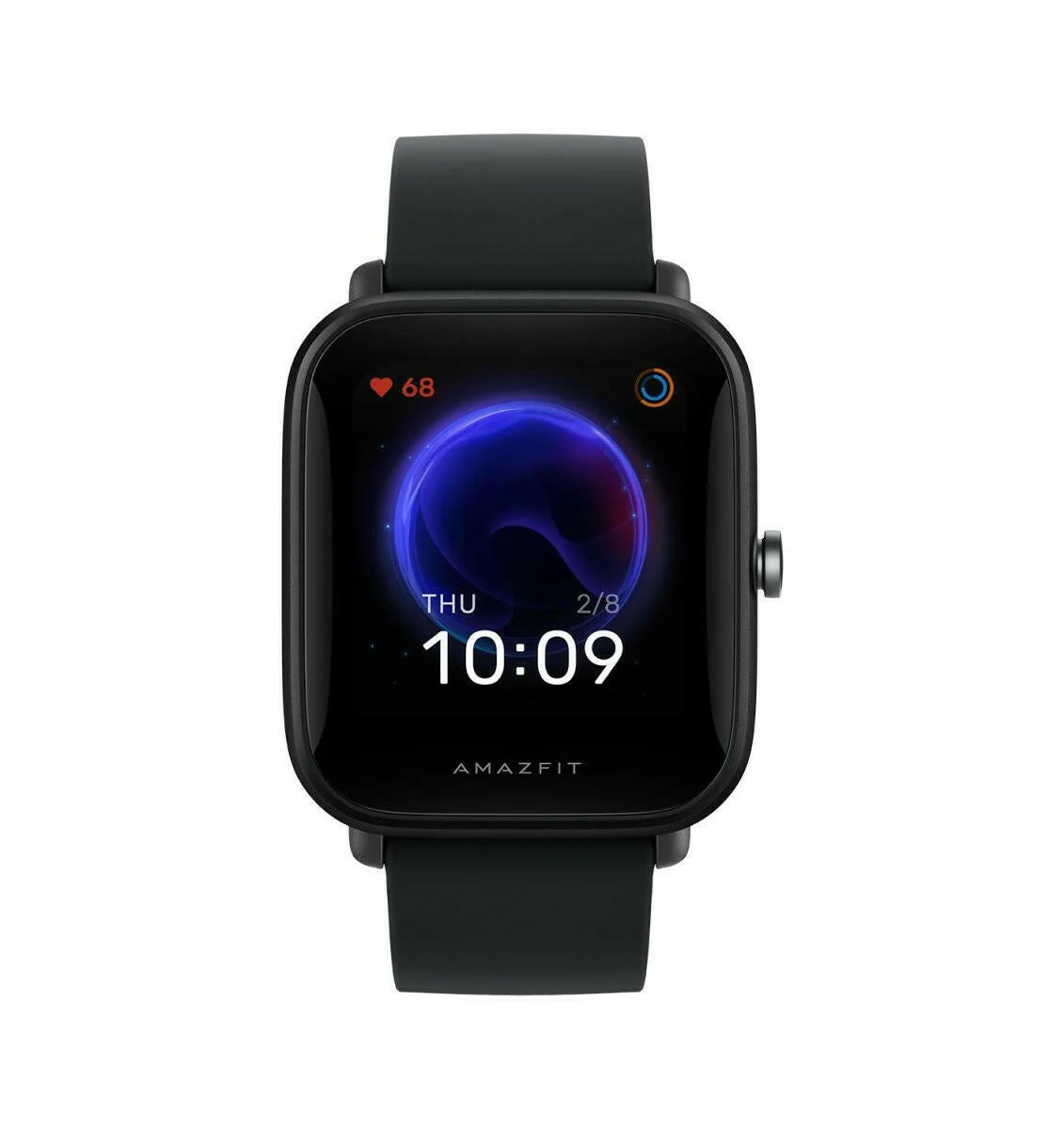
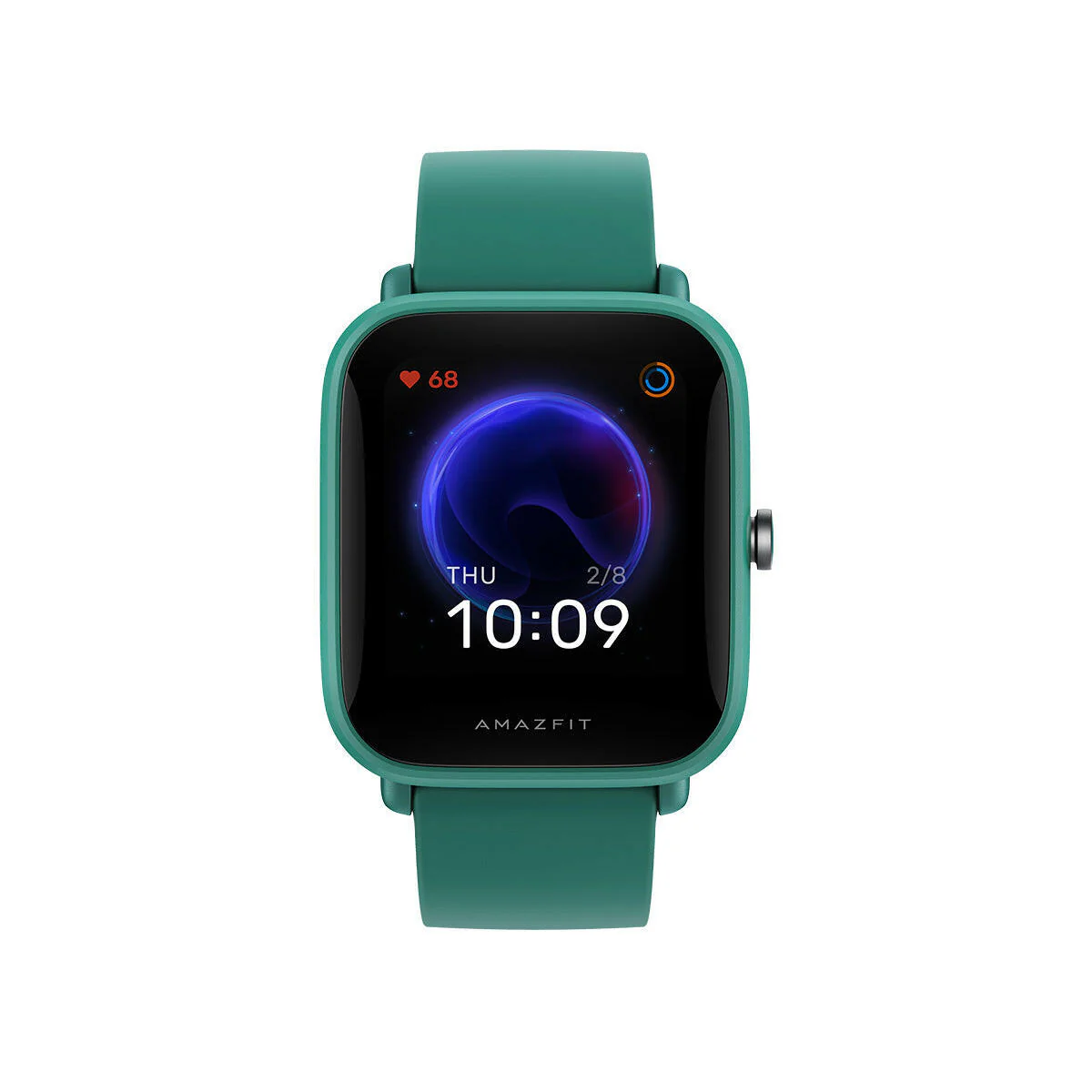
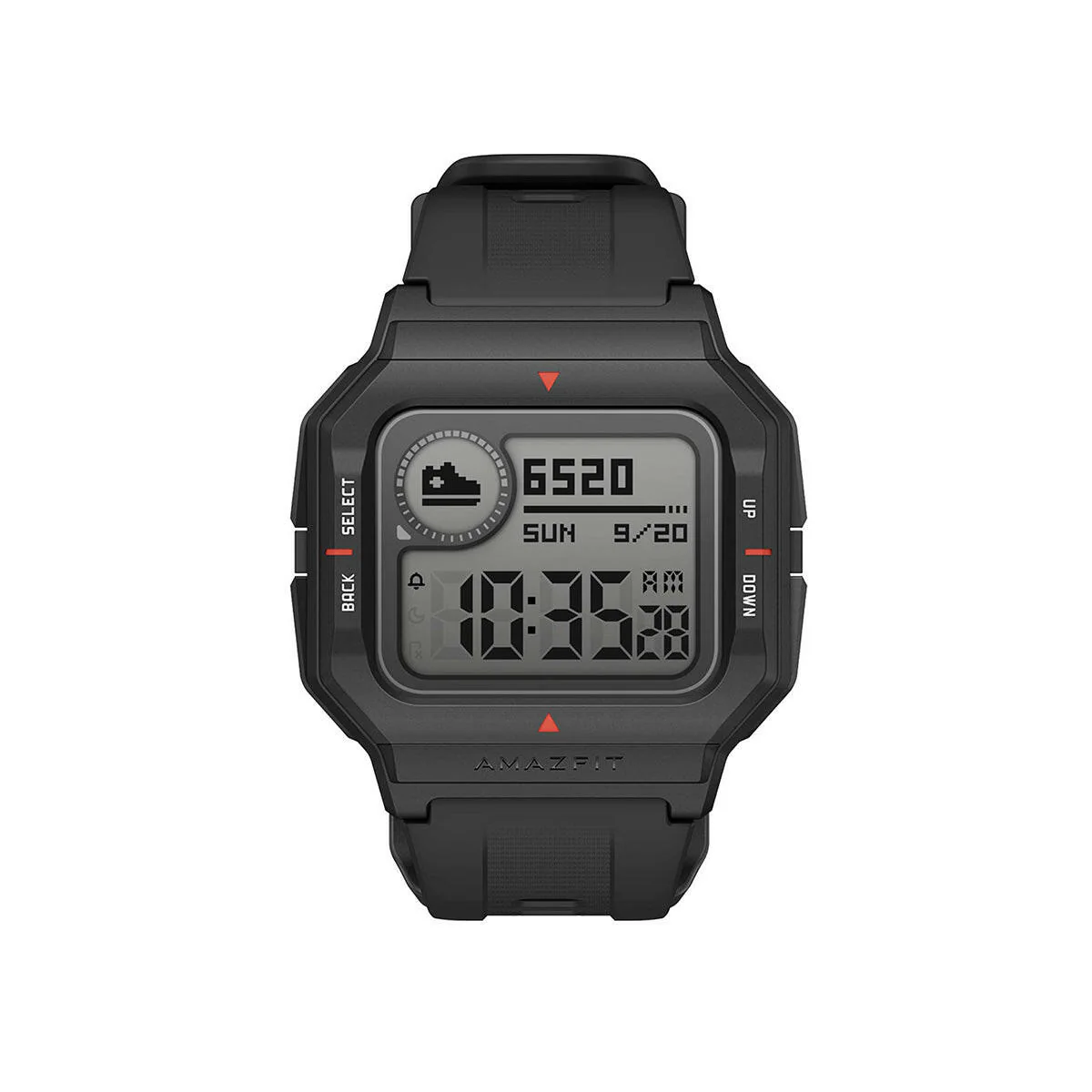
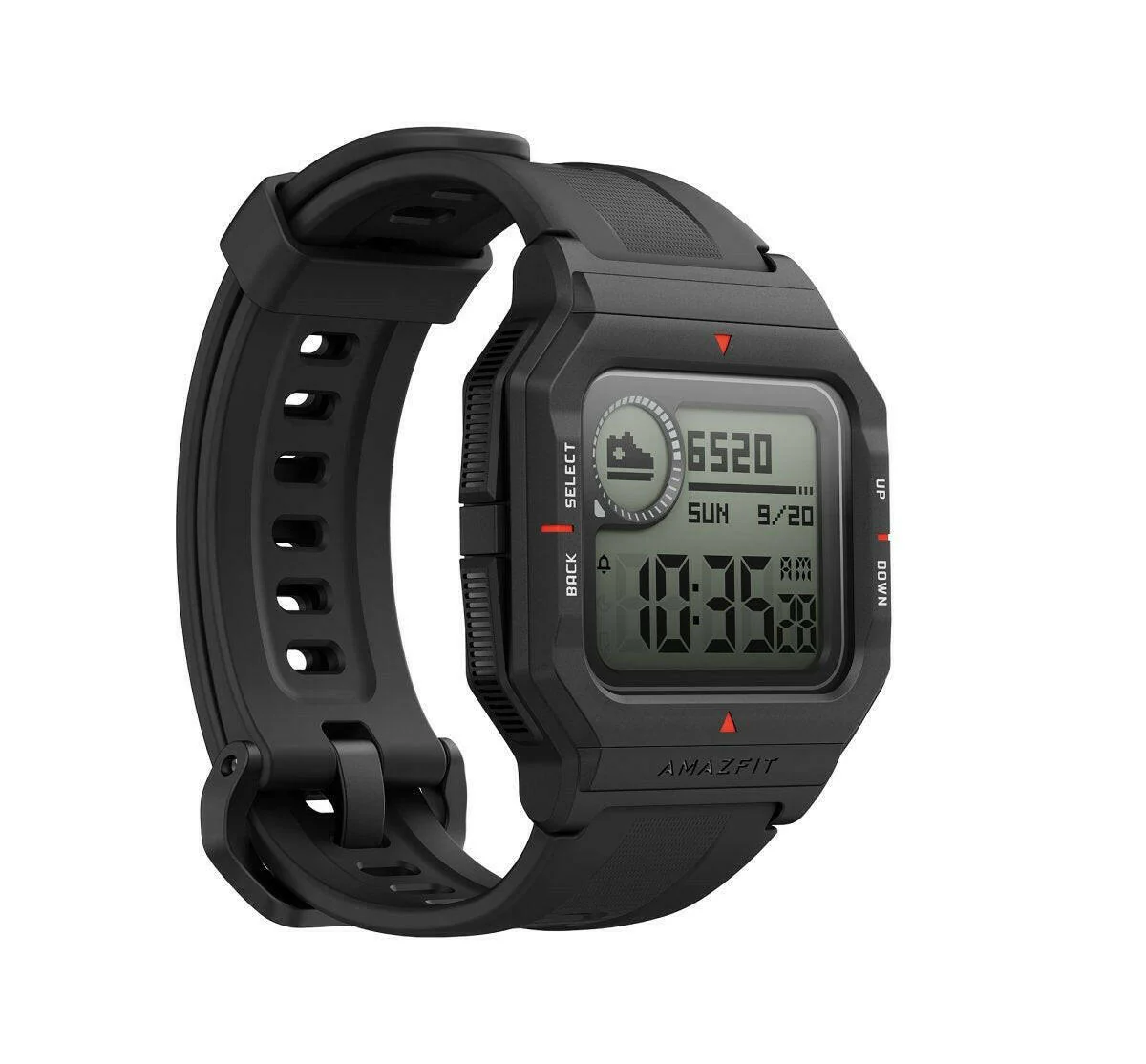
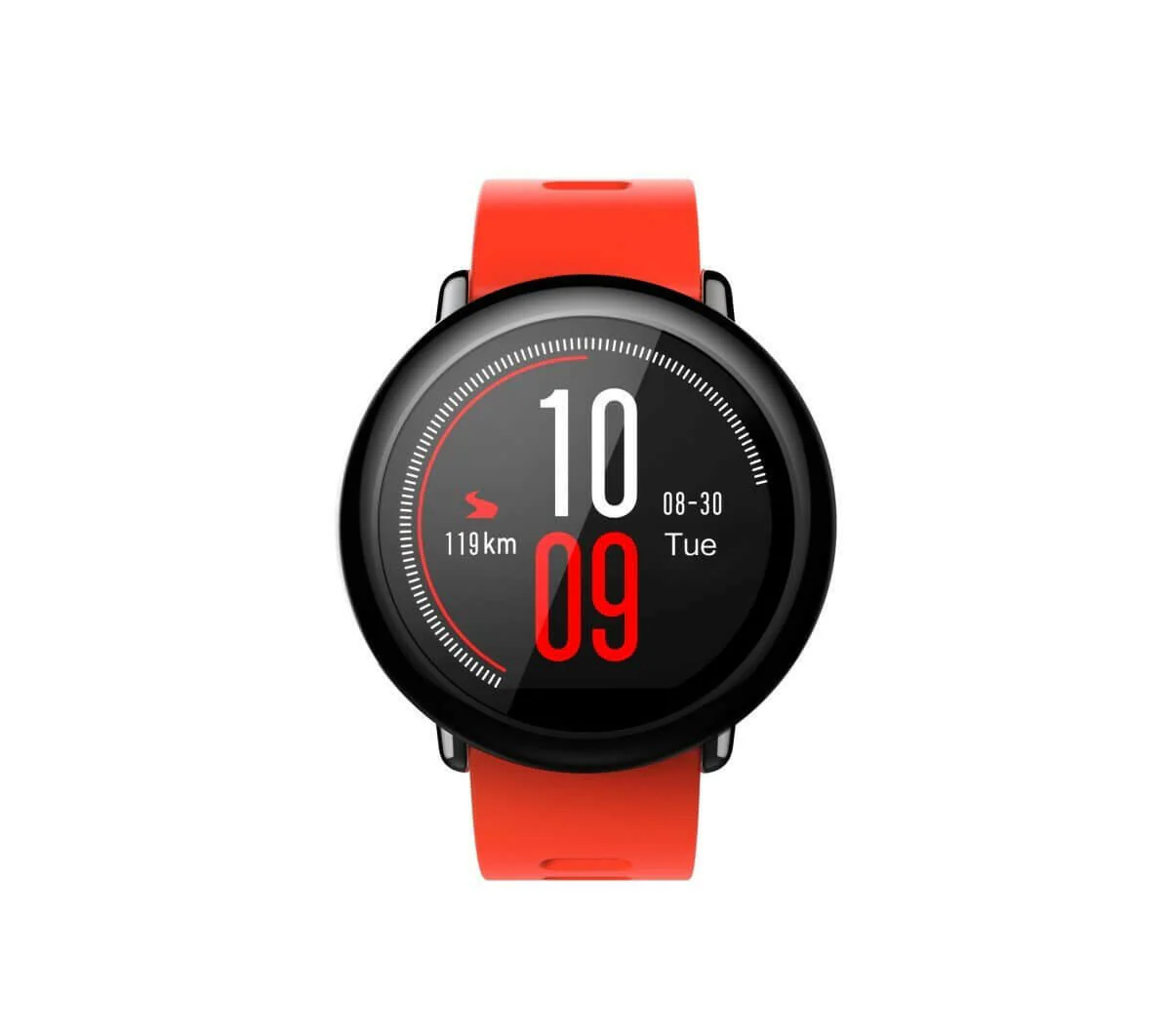
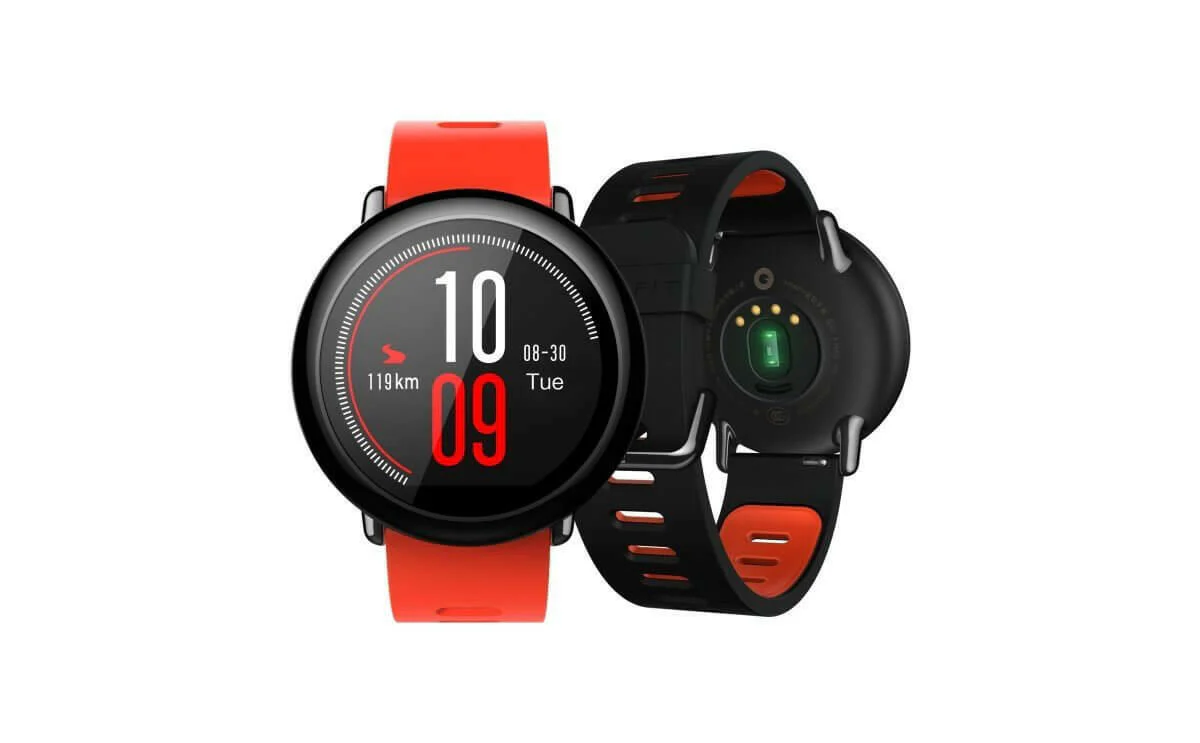
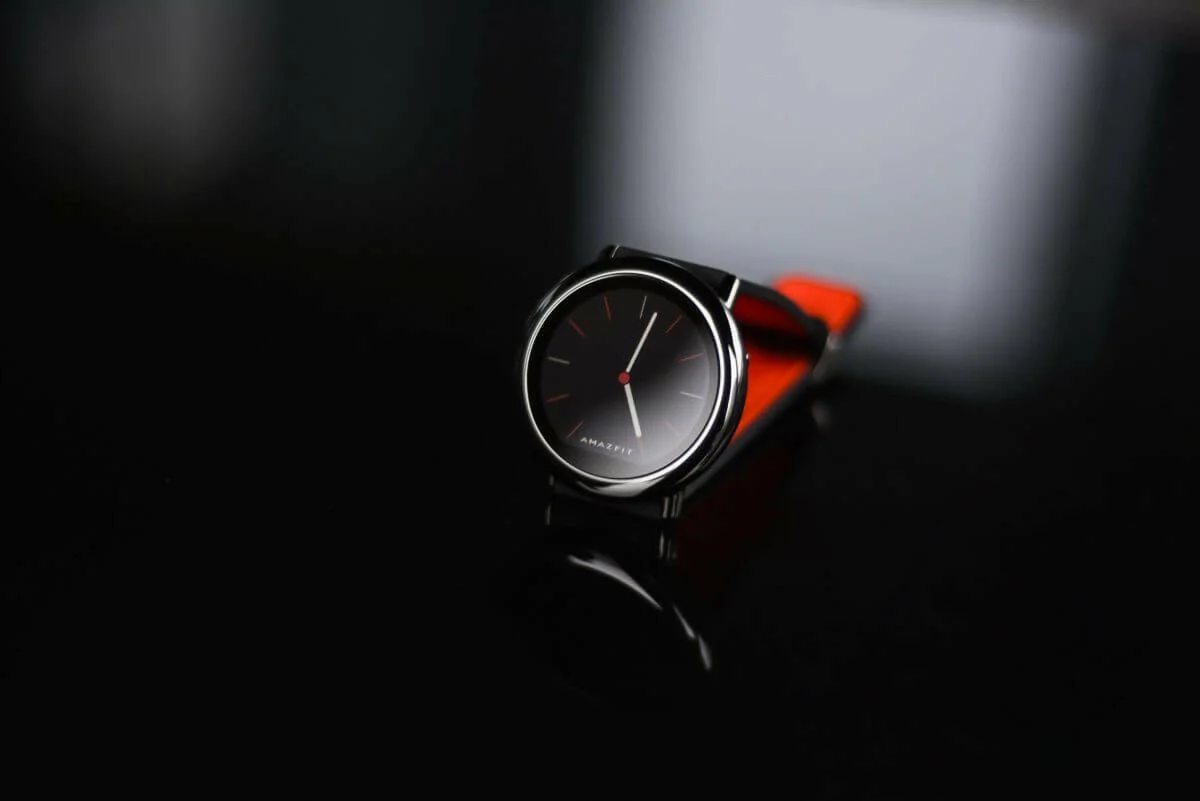
With stunning looks and unparalleled craftsmanship, the Amazfit Pace is a perfect blend of comfort, technology, and style, the Pace features a durable ceramic bezel and an attractive always-on display that makes the watch easy to read, even in bright sunlight, and is IP67 certified to be dust and water-resistant.
Key Features
- GPS+GLONASS
- 11 Sports Mode
- Bluetooth 4.0.
- Heart Rate Sensor
- 11 Sports Mode
Support and Warranty
1 Year Manufacturer Warranty
Covered in Warranty
Manufacturing Defect
Not Covered In Warranty
Physical Damage
Specification
| Screen | 1.34" (3.40 Cm) reflective low-power color display screen Resolution 320 X 300 Capacitive touch screen Corning Gorilla Glass |
| Processor |
1.2GHz dual-core processor 512M RAM 4GB internal flash memory3 |
| GPS | GPS + GLONASS |
| Sensor |
PPG heart rate sensor Acceleration sensor Gyroscope Geomagnetic sensor Ambient light sensor Air pressure sensor4 Microphone |
| Vibration Motor | Linear Resonant Actuator (LRA) |
| Wireless Connection | Wi-Fi IEEE 802.11b/g 2.4GHz;Wi-Fi IEEE 802.11b/g 2.4GHz;Bluetooth 4.0 |
| Battery | 290mAH Li-polymer Battery |
| Waterproof/Dustproof | IP67 |
| Weight | 53.7g |
| WatchBand | 22mm quick release sports watchband |
| WatchCase |
Glass fiber reinforced polycarbonate Zirconia Ceramics |
FAQ's
Q. How to change the 24-hour display to the 12-hour display?
A. You can change the watch from 24-hour display to the 12-hour display or 12-hour display to 24 hours.
1)Press and hold the button near the top right-hand side of your watch to Turn On the Watch
2)Swipe DOWN to access Additional Settings
3)Swipe UP and tap General
4)Tap Time Format to change between 12 hours and 24 hours.
Q. How to delete the custom watch face
A. You can change the watch from 24-hour display to the 12-hour display or 12 hour display to 24 hours.
1)Press and hold the button near the top right-hand side of your watch to Turn On the Watch
2)Swipe DOWN to access Additional Settings
3)Swipe UP and tap General
4)Tap Time Format to change between 12 hour and 24 hour.
Original: $54.10
-70%$54.10
$16.23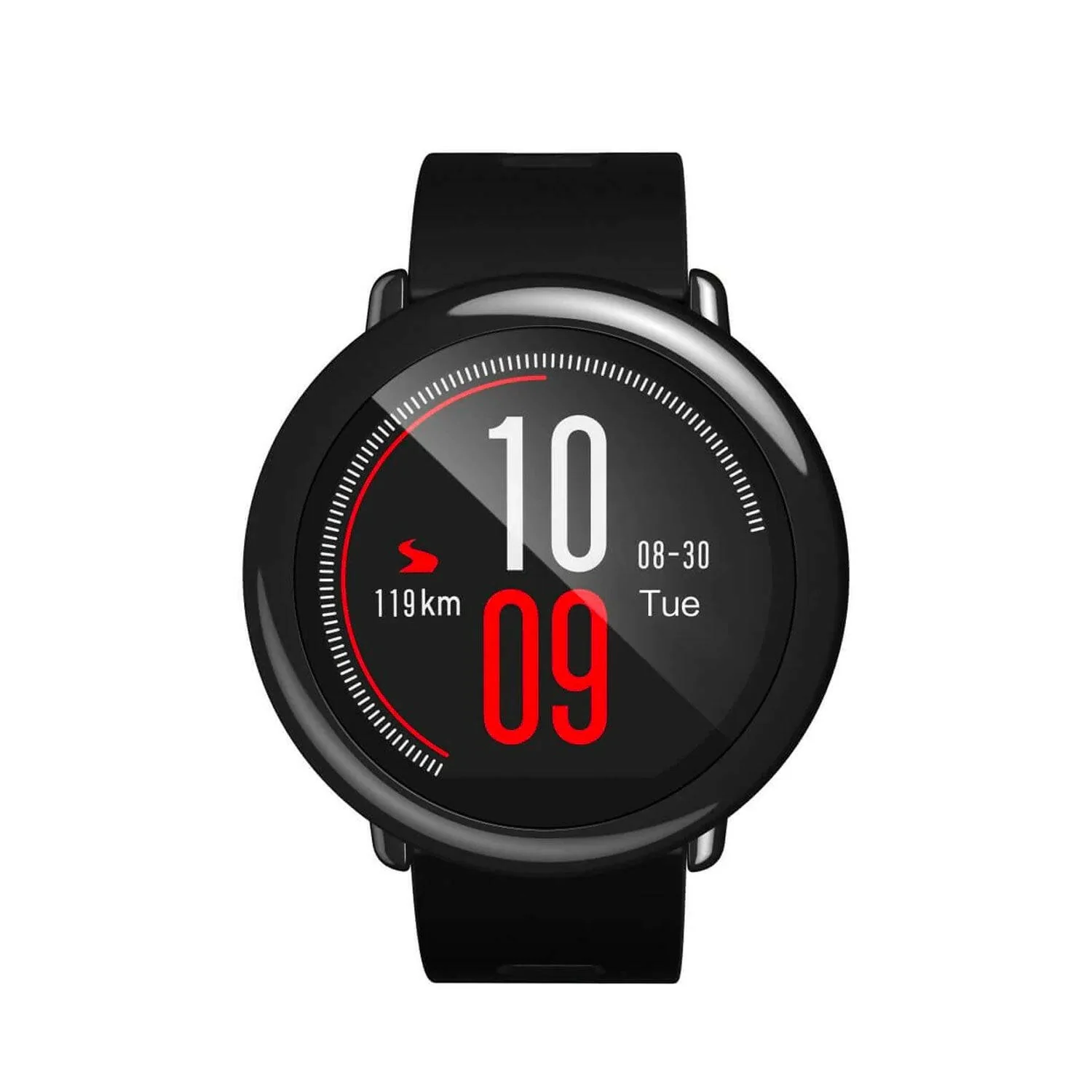
Description
With stunning looks and unparalleled craftsmanship, the Amazfit Pace is a perfect blend of comfort, technology, and style, the Pace features a durable ceramic bezel and an attractive always-on display that makes the watch easy to read, even in bright sunlight, and is IP67 certified to be dust and water-resistant.
Key Features
- GPS+GLONASS
- 11 Sports Mode
- Bluetooth 4.0.
- Heart Rate Sensor
- 11 Sports Mode
Support and Warranty
1 Year Manufacturer Warranty
Covered in Warranty
Manufacturing Defect
Not Covered In Warranty
Physical Damage
Specification
| Screen | 1.34" (3.40 Cm) reflective low-power color display screen Resolution 320 X 300 Capacitive touch screen Corning Gorilla Glass |
| Processor |
1.2GHz dual-core processor 512M RAM 4GB internal flash memory3 |
| GPS | GPS + GLONASS |
| Sensor |
PPG heart rate sensor Acceleration sensor Gyroscope Geomagnetic sensor Ambient light sensor Air pressure sensor4 Microphone |
| Vibration Motor | Linear Resonant Actuator (LRA) |
| Wireless Connection | Wi-Fi IEEE 802.11b/g 2.4GHz;Wi-Fi IEEE 802.11b/g 2.4GHz;Bluetooth 4.0 |
| Battery | 290mAH Li-polymer Battery |
| Waterproof/Dustproof | IP67 |
| Weight | 53.7g |
| WatchBand | 22mm quick release sports watchband |
| WatchCase |
Glass fiber reinforced polycarbonate Zirconia Ceramics |
FAQ's
Q. How to change the 24-hour display to the 12-hour display?
A. You can change the watch from 24-hour display to the 12-hour display or 12-hour display to 24 hours.
1)Press and hold the button near the top right-hand side of your watch to Turn On the Watch
2)Swipe DOWN to access Additional Settings
3)Swipe UP and tap General
4)Tap Time Format to change between 12 hours and 24 hours.
Q. How to delete the custom watch face
A. You can change the watch from 24-hour display to the 12-hour display or 12 hour display to 24 hours.
1)Press and hold the button near the top right-hand side of your watch to Turn On the Watch
2)Swipe DOWN to access Additional Settings
3)Swipe UP and tap General
4)Tap Time Format to change between 12 hour and 24 hour.